
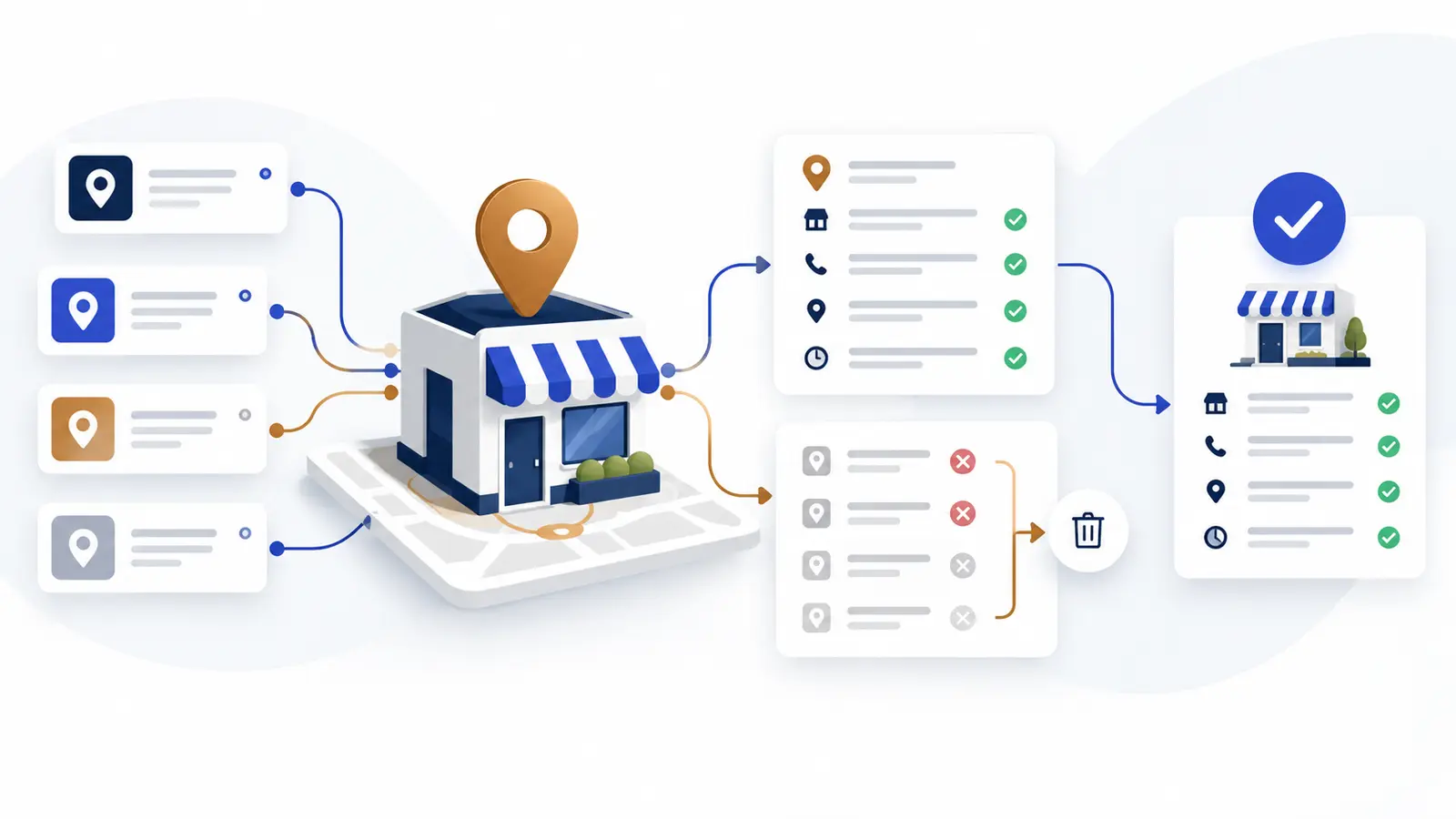
A step by step business listings audit for one location, including an approved fact sheet, access review, correction priority score, change log and validation process.
A business listings audit for one location should answer four questions: Is every important profile controlled by the business, does each profile show the same approved facts, can customers reach the correct destination, and is there a documented process for fixing errors? Start with one approved fact sheet, audit the listings that customers actually use, correct the highest impact problems first, and record every submission until the live listing is verified.
Start with one approved business fact sheet
Do not compare listings against memory or against whichever directory looks most complete. Create a single approved record that the owner or an authorized manager has confirmed. Google requires a Business Profile to represent the business accurately and to use a precise address or service area. It also says the profile name should match the real world name used on signage, the website and other branding.
- Legal business name and customer facing business name
- Street address, suite number and map pin
- Service area when customers are not served at the address
- Primary phone number and any approved tracking number
- Primary website and appointment or inquiry page
- Regular hours, special hours and holiday hours
- Primary category and approved additional categories
- Short description of current services
- Logo, exterior photo and other approved images
- Accessibility, payment and service attributes that the business can verify
This fact sheet is the control document for the audit. Add the name of the person who approved it and the approval date. When facts change, update the control document before updating directories.
Confirm ownership and recovery access
An accurate listing is fragile if only a former employee, agency or outside vendor can edit it. For Google Business Profile, each person should use an individual Google Account. Owners have full control, while managers can handle most daily work without the ability to add or remove users. Keep the primary owner role with an account the business controls and give other people only the access they need.
- Record the primary owner and all current owners and managers
- Remove access that is no longer required
- Confirm that recovery email and phone details are current
- Avoid shared passwords
- Document who can approve changes and who can submit them
- Save the profile URL and the support case history in a secure business record
If ownership is unclear, use the Google Business Profile ownership guide before changing core business information.
Audit the fields customers rely on
Open each important listing as a customer would see it. Check the mobile view as well as the desktop view. Call the displayed phone number, open the website link, test the appointment or inquiry link without submitting a real request, and confirm that directions lead to the correct entrance or service area.
- Business name matches the approved real world name
- Address and suite details are complete and the map pin is accurate
- Phone calls reach the intended location
- Website and appointment links open the correct current pages
- Hours match actual customer facing operations
- Temporary closures and special hours are current
- Primary category describes the main business
- Services and attributes are factual and still offered
- Photos represent the current location and brand
- Duplicate or former location profiles are recorded for separate review
A move needs its own sequence because address, verification, directions and old profiles can interact. Use the business address change guide when the audit uncovers a recent or planned move.
Compare the most important listings first
A single location may appear on dozens of sites, but the audit should not treat every citation as equally urgent. Begin with the platforms that produce calls, directions, appointments or review activity. Then check major maps, industry directories and any profile that appears prominently when searching for the business name, address or phone number.
For each profile, record the public URL, access status, current value, approved value and required action. A directory with no access and a wrong phone number deserves more attention than a low visibility profile with an old photo.
Use a correction priority score
To keep the audit operational, score each discrepancy from zero to three in three categories. Add the scores for a total from zero to nine. This is an internal decision tool, not a search ranking formula.
- Customer impact: zero means cosmetic, while three means customers may call, visit or book through the wrong destination
- Visibility: zero means rarely encountered, while three means the profile is prominent for branded or local searches
- Operational risk: zero means no practical disruption, while three means the error could cause missed visits, privacy concerns, account loss or policy problems
Correct the highest totals first. If two items have the same score, handle the one the business controls directly before opening a more complex directory dispute. Keep screenshots and approval evidence for every high priority change.
Illustrative single location scenario
Imagine a practice moved from Suite 120 to Suite 220, changed its main phone system and added a new appointment page. Google shows the new suite but an old phone number. A major map shows the old suite. A small directory shows an outdated logo but otherwise correct information.
The phone number and map location receive the highest priority because they can interrupt calls and visits. The appointment link comes next because it affects the inquiry path. The logo can wait. The team records each submission, keeps the approved lease or address evidence available, and checks the public profiles again after the platforms finish reviewing the edits. This example is a workflow illustration, not a client result.
Keep a listing change log
A submitted correction is not the same as a live correction. Google reviews profile changes before they appear, and an edit can be accepted, not approved or pending. Other platforms have their own processes. A simple change log prevents the team from assuming that an issue is resolved.
- Platform and public profile URL
- Field that was incorrect
- Approved replacement value
- Evidence or approver
- Person who submitted the change
- Submission date and case number
- Current status
- Next check date
- Date the live result was verified
Validate every correction
After a platform reports that a change is complete, reopen the public profile in a private browser window and on a mobile device. Repeat the phone, website, appointment and directions tests. Save a final screenshot and update the change log. If the platform rejects an accurate change, review its policy and evidence requirements before resubmitting instead of repeatedly sending the same unsupported edit.
Assign a recurring audit owner
For one location, a short monthly check and a fuller quarterly audit are a practical starting point. Also trigger an audit after a move, rebrand, phone change, website launch, holiday schedule, service change or staff departure that affects profile access.
- One person owns the approved fact sheet
- One person is accountable for platform access
- Sensitive or disputed responses go to a designated reviewer
- Open corrections are reviewed until the live result is confirmed
- Review activity is monitored separately from listing accuracy
Businesses that also need a complete review request and response workflow can use the one location dental reputation plan as an operational example. The principles apply beyond dental practices, but each business should adapt the roles, privacy review and escalation steps to its own work.
When managed help makes sense
Managed support can be useful when access is fragmented, several profiles need correction, reviews are not being monitored, or nobody owns the recurring process. Reputation Repair can help confirm access, audit listing accuracy, organize corrections, establish review workflows and track unresolved issues. Current reviews and listings management for one location is $499 per month with a $499 one time setup, making the first payment $998. Additional locations, higher volume and custom integrations are quoted separately. Compatibility and supported connections are confirmed before agreement, and platform approval timing remains outside our control.
The goal of a business listings audit checklist is not to create more profiles. It is to make the profiles that matter accurate, controlled and easy to maintain. Begin with the approved fact sheet, fix the highest impact discrepancies, verify each live result and leave the next owner a clear record.
Common questions
How often should a single location audit its business listings?
A short monthly check and a fuller quarterly audit are practical starting points. Run an additional audit after any move, phone change, website change, rebrand, holiday schedule update or staff departure that affects profile access.
Should a business add keywords to its Google Business Profile name?
Use the real world business name shown on signage, the website and other branding. Google says unnecessary information in the profile name is not permitted. Put the address, service area, hours and category in their proper fields.
Does matching information across listings guarantee better rankings?
No. Accurate information helps customers reach the correct business and supports policy compliance, but it does not guarantee a particular search position, traffic level or number of reviews.