
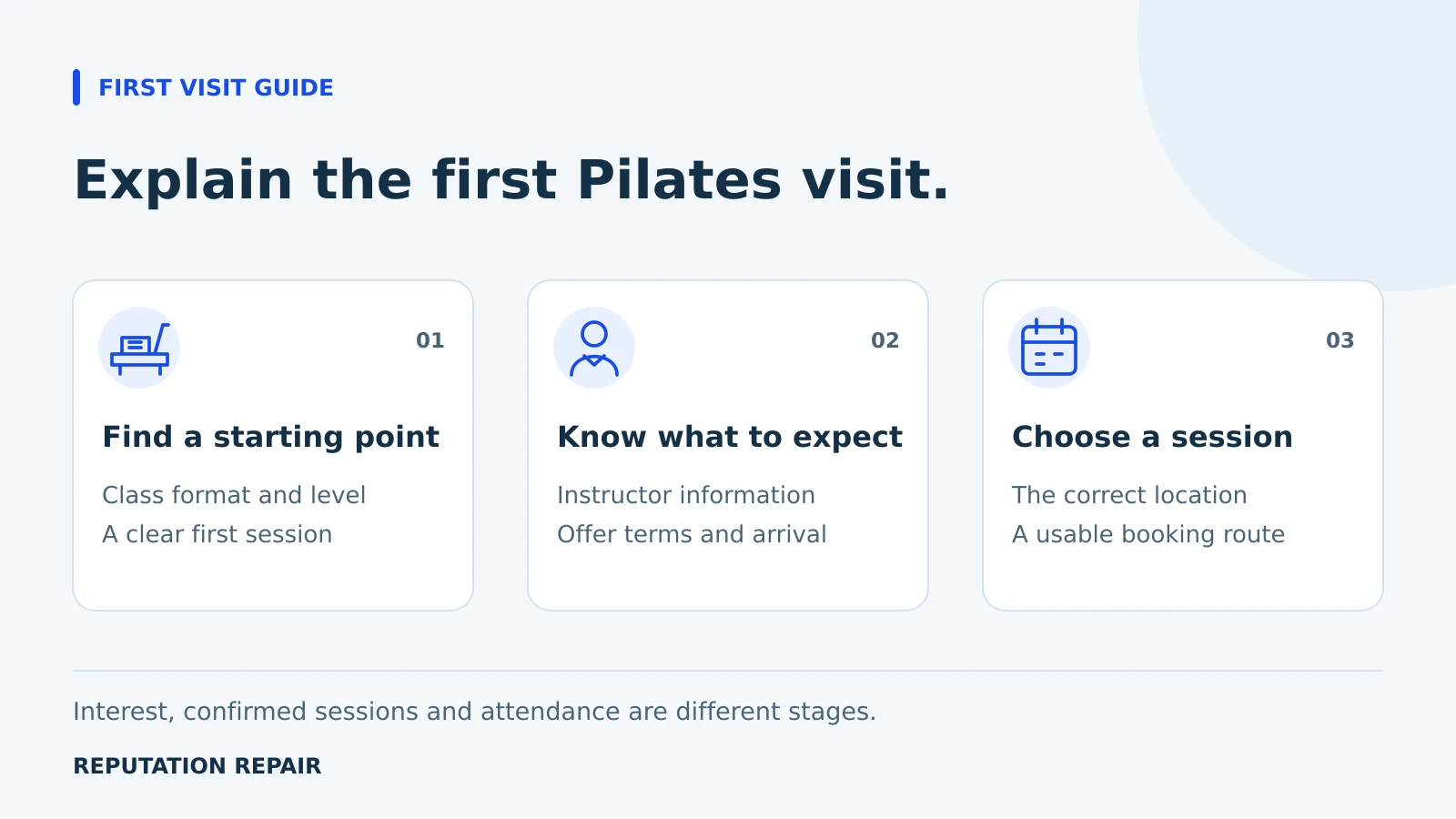
Before adding another Pilates promotion, check whether a new visitor can understand the first class. A clear studio website explains the starting option, instructor experience, introductory offer and booking process. This guide helps owners reduce uncertainty without making claims about guaranteed bookings or health outcomes.
A useful first visit page should let someone identify an appropriate starting point and understand the next step before opening the timetable. Marketing can bring attention to a studio, but the website still has to explain what that attention is leading to. Review the information a beginner sees before choosing more advertising or another platform.
Give beginners a clear starting option
Look at your class names through the eyes of someone who has never visited. The difference between a private introduction, a beginner group class and another studio offering may be obvious to instructors but unclear to a prospective member. Describe the actual format, duration and experience level in plain language. Use the same names in the website and booking system.
If the studio requires an introductory session before group classes, say so early. If several starting options exist, explain how someone can ask which one fits. Do not use a general beginner label for a class that has prerequisites. Have an appropriate instructor confirm the description rather than relying on a marketing writer’s assumptions.
- Where should a person who is new to this studio start?
- Is prior experience expected?
- Is the appointment private or part of a group?
- How can someone ask the instructor a question before booking?
Make instructor experience specific and accurate
Present the instructors who actually teach the advertised classes. Include relevant training, current roles and the formats they teach. Attribute credentials accurately and explain unfamiliar terms when they affect the customer’s decision. A friendly portrait helps identify the person; the biography should explain why that person is relevant to the class being considered.
Use authentic images of the space and equipment when available, with the permissions needed for any people shown. Visitors should be able to recognize the studio they will enter. Decorative imagery can support a page, but it should not create a false impression of the premises, class size or team.
Keep the page focused on the studio experience. Avoid treatment promises, guaranteed physical changes or statements that a class is suitable for every person. Questions about an individual’s health or participation should go through an appropriate private process, not a public comment or a marketing form collecting unnecessary details.
Explain the introductory offer as a complete decision
If you advertise an introduction or trial, show what is included and who is eligible. State the total price, any expiry period and whether a membership purchase or recurring charge follows. Explain cancellation and booking conditions before the visitor reaches payment. Have the owner verify the terms against the actual product in the scheduler.
An offer should have one clear destination. A page promising a first visit session should not send the visitor to a membership grid without explaining how to find that session. If the offer is no longer available, change the advertisement and landing page together. Do not leave an expired promotion as the default entry point.
Walk through the mobile booking route
Test from outside the studio’s logged in accounts. Open the public page, choose the starting option and inspect the available times. Confirm the right location, price and class description. If an account is required, make that requirement understandable before the visitor invests time in the process. Stop before creating a real reservation unless the owner has arranged a test.
Where appointment links are available in the studio’s Business Profile, inspect those as well. Google’s business link instructions describe managing a booking destination. A link existing in the owner dashboard does not by itself verify the public journey. Check the visible destination and the provider’s current information.
If a requested class is full, explain the actual next option the studio supports. That may be another date or an invitation to contact the team. Do not advertise a waitlist, automated reply or booking integration until it is available and has been tested. Clear instructions can be more useful than adding another tool.
Answer arrival questions before the visit
Give the address, suite number and entrance directions in one easy to find place. Explain the studio’s real arrival policy, what participants should bring and any required equipment or clothing. Confirm those details with the team. Do not copy another studio’s policies or turn general suggestions into requirements your staff will not enforce.
For a studio in Gilbert, Mesa, Chandler or another shared commercial center, a recognizable entrance image and accurate parking instructions can be useful. Use those details because they help the visitor arrive. Repeating nearby city names throughout the page does not explain the first visit.
Use a first visit readiness review
Ask someone unfamiliar with the studio to inspect the page. Give them a realistic task rather than a tour of the website. Record where they hesitate, what information they cannot find and whether the next step matches their expectations. Their feedback is a usability observation, not evidence of a predicted booking increase.
- Starting point: a beginner can identify the intended first session.
- Confidence: the instructor and class format are represented accurately.
- Offer: the price, eligibility and material terms are visible.
- Action: the booking destination matches the page and available service.
- Arrival: a visitor knows where to go and what the studio expects.
Separate interest, bookings and attendance
Track the stages you can actually verify. Website visits, contact requests, booking starts, confirmed first sessions and attendance answer different questions. Google’s Business Profile performance guidance explains that available metrics vary, and booking reporting depends on a booking provider. A profile website click should not be reported as a new member.
Use the scheduling system to confirm reservations and the studio’s own records to confirm attendance. Where attribution is incomplete, say so. Compare similar periods and note introductory promotions or timetable changes. You can report a corrected booking path immediately; conclusions about sustained demand require actual evidence over time.
Our beauty and wellness visibility approach starts with these practical decisions. Where changes to the site are needed, business website work can be scoped to the first visit journey and linked to the studio’s existing scheduler. Agree on the priorities before adding software, promotion or a larger campaign.